

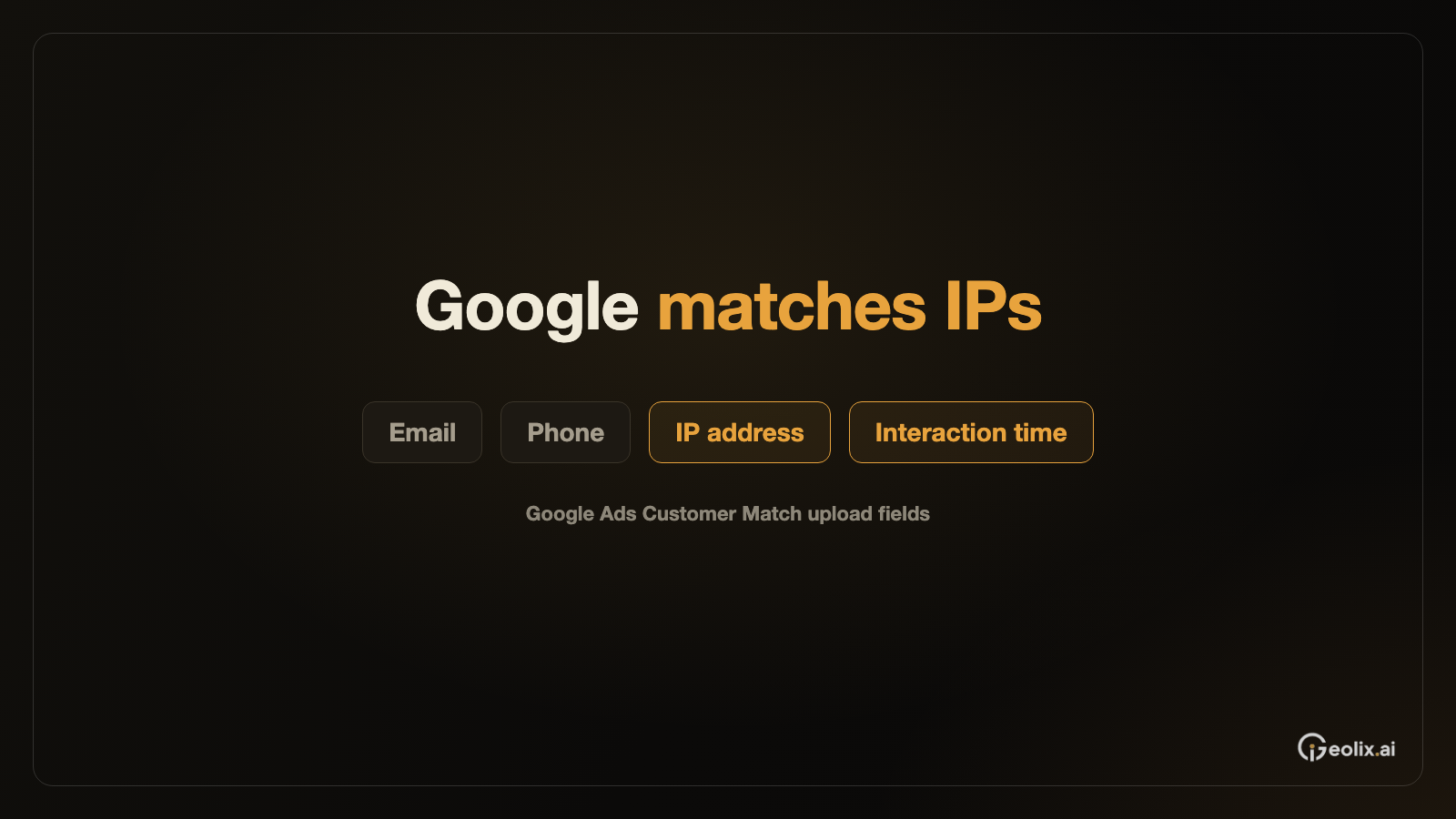

Google's Customer Match upload documentation allows advertisers to match customer records using device IP addresses and the times of customer interactions. Advertisers can submit these fields alongside other customer identifiers or use IP data on its own. Google specifies separate processing rules for the address and the associated time information. The help page carries no publication or revision date, so it is not clear when advertisers first gained access to these fields.
Google says IP matching is unavailable for end users in the European Economic Area, the UK and Switzerland. The rule refers to the location of the end user. The documentation accepts both IPv4 and IPv6 addresses, with surrounding whitespace removed, and says that IP addresses and timestamps must remain unhashed. IPv6 addresses can use either uppercase or lowercase letters. Examples of supported time formats include UTC and timestamps with an explicit time-zone offset. These requirements apply even though other customer identifiers have separate hashing rules.
Time is part of the matching context. The IP address represents the customer's device at the moment of an interaction, while the timestamp records when activity occurred from that address. Google describes both the first and the most recent recorded interaction. A timestamp cannot be submitted on its own without an IP address. If an advertiser supplies an IP address but omits time information, Google says the system uses the latest user known to have used that address.
For file uploads, Google requires a CSV encoded in ASCII or UTF-8, with column headings in English. The documentation uses two names for the time column: most of the page calls it “User interaction timestamp,” while one heading instruction uses “User engagement timestamp.” The page does not explain the difference between these labels or specify whether both work in the same upload path.
That uncertainty is separate from the treatment of email addresses and telephone numbers. Google describes normalization and SHA256 hashing for relevant customer data, while preserving exceptions for IP and time fields. It also requires uploaded data to comply with Customer Match policies. At the top of the page, Google directs new integrations toward Data Manager or its API, positioning those tools as its preferred route for the workflow.
After an upload, Google reports the share of the submitted list it can associate with Google users as the match rate. Processing can take as long as 48 hours. This percentage describes the outcome of identity matching; advertisers assess subsequent campaign performance through advertising results. The documentation treats matching and audience performance as separate measures.