

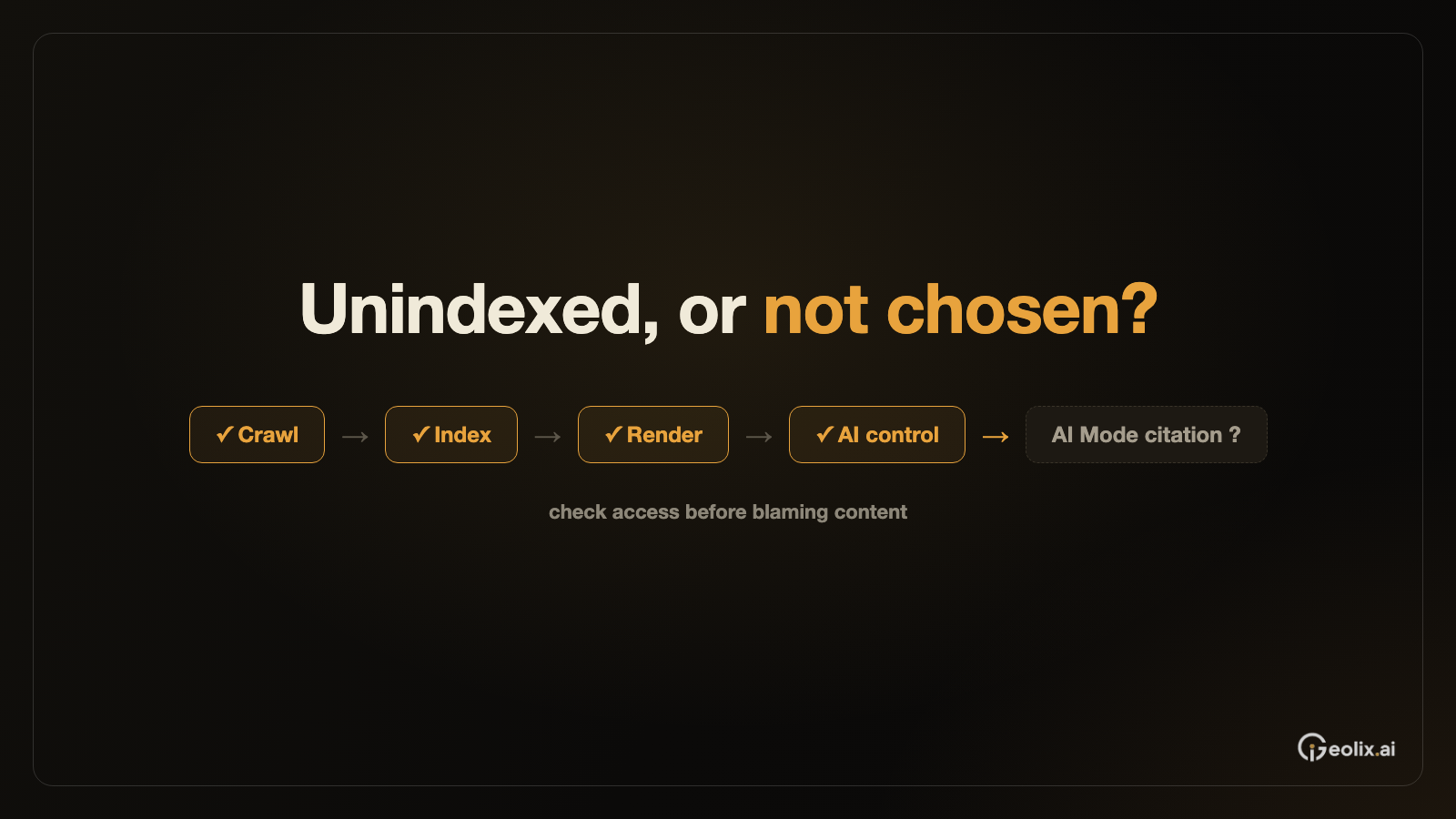

A page that rarely appears in search can also be hard to evaluate in AI search. Before asking why an AI answer did not cite it, establish whether the intended page can be discovered, crawled, and indexed. This diagnostic order prevents a team from treating every missing citation as a content problem. Google says pages shown in its generative AI features must meet Search's technical requirements and be eligible to appear with a snippet. Google Search Central's AI optimization guide states that prerequisite.
Start with one URL
Start with one specific URL and one specific expectation. For example, if a pricing explanation should be discoverable, inspect that exact page in Search Console's URL Inspection tool. Note its reported index status and the canonical URL Google selected. If the page is absent from the index, use the live test to see what Google can access now. Search Console's indexing reports help determine whether the issue affects one page, a template, or a larger section. Google's Search Console guide explains the role of these reports and URL Inspection.
Check access rules and the rendered page
Next, check the access rules and the rendered page. A robots.txt rule can prevent crawling. A noindex directive can prevent indexing when Google is allowed to crawl the page. If the main answer appears only after a script runs, confirm that Google can load the resources and see the content. Check whether a duplicate URL or canonical decision points Google toward a different page. These controls solve different problems, so changing them without understanding the reported cause can make diagnosis harder. Google's developer SEO guide distinguishes crawl blocking from indexing controls.
If the page is newly published or recently corrected, allow time for recrawling. A sitemap can help Google discover many URLs, and URL Inspection can request a crawl for an individual URL that you manage. Neither action guarantees immediate indexing or inclusion in search results. Repeated requests for the same URL will not make Google crawl it faster. Google's recrawling guidance sets out those limits.
Then interpret AI feature data
Once ordinary Search access is understood, check the controls specific to Google's generative AI features. Search Console offers a Search generative AI control under property settings, with choices to include or exclude a site's links and content from features including AI Overviews and AI Mode. A property may inherit its setting from a parent property, so inspect the effective choice rather than assuming the default. Google says the choice affects these AI features, while other Search behavior has separate controls. Search Console Help explains the setting and inheritance.
Only then interpret AI visibility data. Search Console's Generative AI performance reports can show which pages appeared and when. A report with no impressions is a useful observation, but it does not identify the cause by itself. Preserve the diagnostic chain: intended URL, crawl access, rendered content, index status, AI feature control, and observed performance. That record tells the team whether to fix a technical barrier, improve a weak answer, or keep observing a page that is eligible but has not appeared. Google's report announcement describes the data available.
References
Google Search Central, “Optimizing your website for generative AI features on Google Search”, for AI feature page eligibility.
Google Search Central, “Get started with Search Console”, for URL Inspection and indexing reports.
Google Search Central, “Get started with Search: a developer's guide”, for crawl and index controls.
Google Search Central, “Ask Google to recrawl your URLs”, for recrawl requests and limits.
Google Search Console Help, “Search generative AI control”, for the AI feature participation setting.
Google Search Central, “Introducing Search Generative AI performance reports in Search Console”, for report metrics.